The Hidden Challenge: How Background Restrictions Impact Smart Safety Devices

Introduction

Smart safety devices have become an essential part of modern life, offering solutions for personal security, elder and child care, and pet tracking. Devices such as SOS systems, fall detection sensors, and GPS trackers ensure safety and peace of mind. However, while these devices rely on mobile applications to function effectively, they face an often-overlooked challenge: Background Restrictions.

Both Android and iOS impose strict background process restrictions to optimize battery life and enhance security. While these measures benefit users, they can also interfere with the real-time performance of smart safety devices, leading to delayed alerts, unreliable location tracking, and inconsistent data transmission.

In this blog, we will explore how these Background Restrictions impact various smart safety devices and what solutions can help mitigate these challenges.

Understanding Background Restrictions

To ensure better performance and user experience, mobile operating systems continuously evolve by implementing restrictions on background processes. Some of the key limitations include:

⦁ Background Process Restrictions:

Apps are often put into a suspended state, limiting their ability to run real-time monitoring and alerts.

⦁ Battery Optimization Policies:

Many OS versions restrict background activity to conserve battery life, which can result in delayed or missed notifications

⦁ Location Access Restrictions:

For privacy reasons, continuous GPS tracking is limited, affecting real-time tracking applications.

⦁ Network and Sensor Access Constraints:

Apps may face interruptions in accessing WiFi, Bluetooth, or mobile networks when running in the background, affecting IoT-based safety devices.

To ensure better performance and user experience, mobile operating systems continuously evolve by implementing restrictions on background processes. Some of the key limitations include:

Real-World Impact on Smart Safety Devices Caused by OS Limitations

1. SOS Devices

SOS devices rely on instant emergency alerts to notify caregivers or emergency contacts. However, Mobile OS Background Restrictions can cause:

⦁ Delayed message or call triggers.

⦁ Interruptions in continuous location sharing make it difficult to pinpoint a user’s location in real-time.

⦁ Challenges in keeping the app running actively for emergency response.

2. Remote Fall Detection Systems

Wearable and IoT-based fall detection systems monitor user movements to detect sudden falls. Mobile OS Background Restrictions can lead to:

⦁ Inconsistent data transmission between the wearable and the mobile app.

⦁ Delayed or missed alerts due to background restrictions.

⦁ Limitations in real-time monitoring and response time.

3. Elder and Kids Care Trackers

Devices that track the location of children and elderly individuals depend on seamless GPS and network connectivity. Mobile OS Background Restrictions can result in:

⦁ Delayed location updates, making real-time tracking ineffective.

⦁ App force-closing due to inactivity, leading to loss of monitoring.

⦁ Restricted notifications when an individual exits a predefined safe zone (geofencing).

4. Pet Trackers

Pet tracking devices use GPS and mobile networks to keep owners informed about their pet’s location. Mobile OS Background Restrictions can cause:

⦁ Gaps in GPS tracking due to suspended background services.

⦁ Connectivity issues when the app is not in the foreground.

⦁ Delays in receiving alerts if a pet goes out of a designated safe area.

5. Other IoT-Based Security Devices

Various IoT security devices, such as home monitoring systems and smart alarms, may also face:

⦁ Restrictions in real-time data synchronization.

⦁ Delays in push notifications or security alerts.

⦁ Limited background access to Bluetooth and WiFi networks, impacting device communication.

Workarounds and Solutions

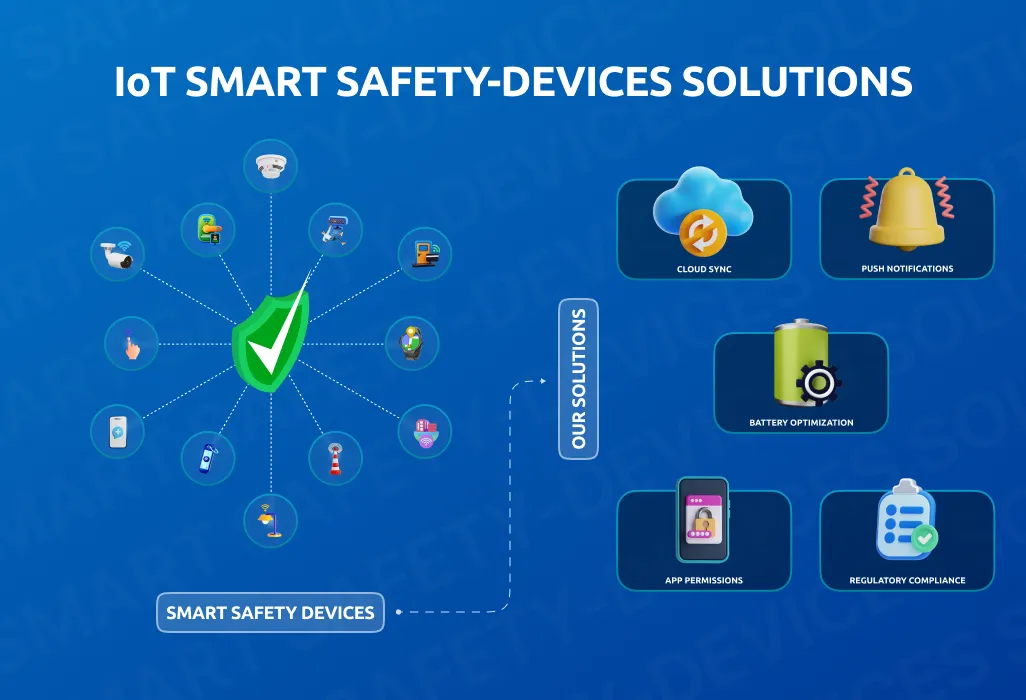
At IOTTIVE, we specialize in overcoming Mobile OS Background Restrictions to enhance the performance of smart safety devices. Our expertise in IoT, BLE, and Connected Devices allows us to implement robust solutions, including:

⦁ Optimizing App Permissions:

Ensuring that apps request and receive necessary permissions, such as “Always On” location access, helps maintain background functionality. Properly configured permissions prevent OS-imposed limitations on critical app features.

⦁ Leveraging Cloud-Based Processing:

Offloading data processing to cloud servers can reduce dependency on mobile background services and ensure seamless communication. This minimizes app activity requirements, improving performance and reliability.

⦁ Using Push Notification Services:

Implementing Firebase Cloud Messaging (FCM) or Apple Push Notification Service (APNS) helps ensure reliable alerts and real-time notifications, even when the app is in the background.

⦁ Battery Optimization Adjustments:

Many operating systems impose aggressive battery-saving policies that limit background activity. Educating users on disabling battery optimization for critical apps, configuring “Unrestricted” battery settings (on Android), and using foreground services ensures continuous monitoring and data transmission.

⦁ Foreground Services & Persistent Notifications:

Keeping essential services running in the foreground by utilizing persistent notifications ensures uninterrupted background operation. This technique is effective for location tracking, SOS alerts, and other critical real-time features.

⦁ Efficient Data Handling & Background Execution Limits:

Smart data compression, batching updates, and limiting resource-heavy background tasks can help apps work within OS constraints while maintaining performance.

⦁ Custom Watchdog Mechanisms:

Implementing in-app watchdog services that detect when background processes are restricted and restarting them automatically helps maintain continuous functionality.

Our tailored IoT solutions help businesses develop reliable, secure, and efficient smart safety applications that remain functional despite OS-imposed constraints.

Conclusion

Mobile OS Background Restrictions can impact the reliability of smart safety devices, leading to delayed alerts and interrupted monitoring. At IOTTIVE, we tackle these challenges with expert IoT solutions, ensuring seamless performance for your smart safety applications.
Looking to enhance your IoT devices? Partner with IOTTIVE today and take your smart safety solutions to the next level!


Contact us today!

The Rise of Beacons: Driving Smarter Solutions for the Modern World

Introduction

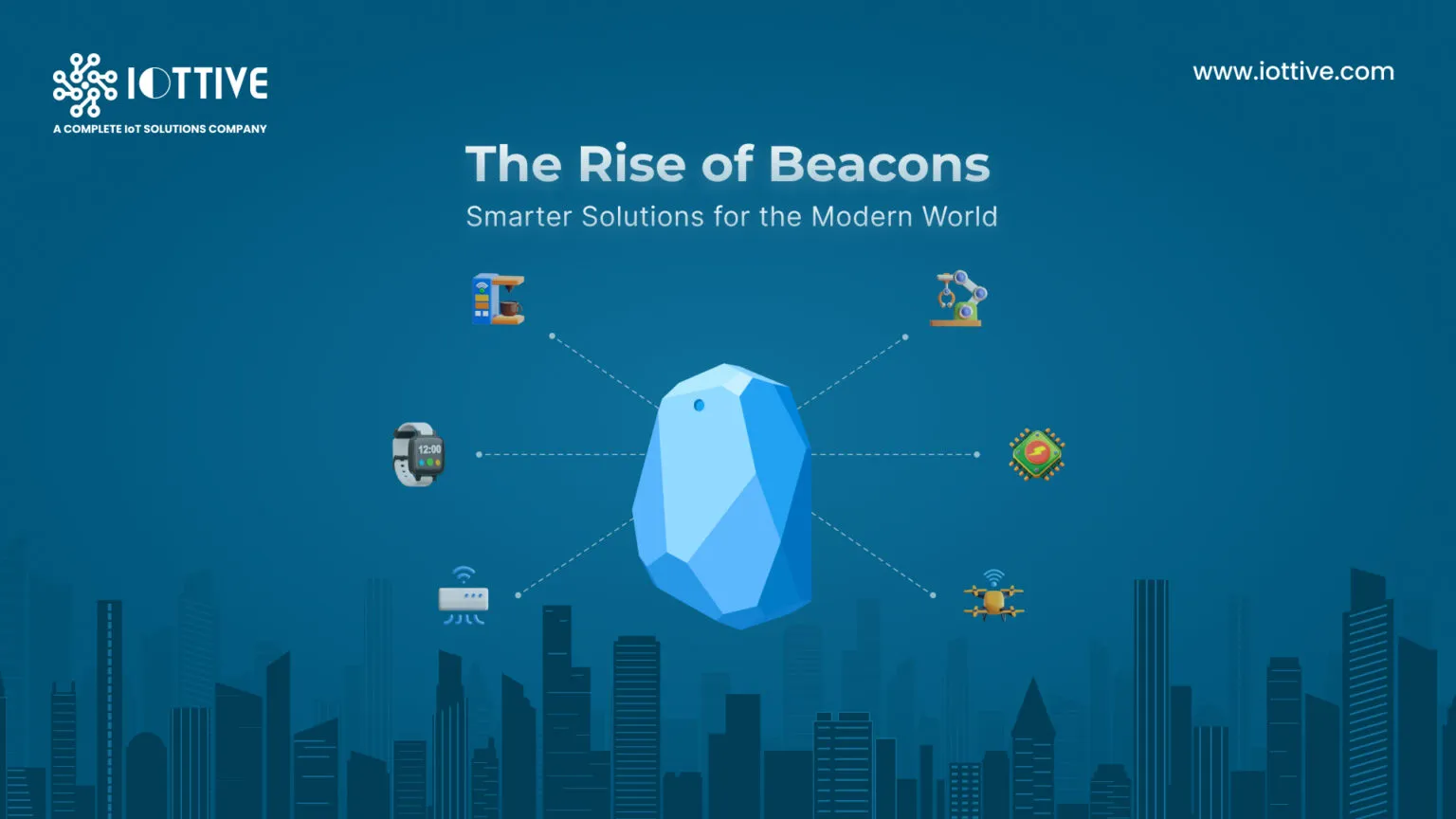
In the ever-evolving and competitive world of technology, beacons are among humankind’s most useful innovations. Beacons are small, low-power devices that send a unique signal to nearby smartphones or tablets. They don’t collect data or track users but provide information to apps, which can trigger actions based on how close the user is. Having worked in this industry for more than eight years, we’ve identified and addressed some of the major challenges faced by different sectors before using beacon technology.

Challenges Faced by Different Industries Before Using Beacon Technology

Beacon technology has addressed several challenges that industries previously struggled with. Here are some of the major issues faced by different sectors:

⦁ Product Finding (Retail Industry):

Difficulty in helping customers locate products quickly in-store, leading to inefficiencies and a poor shopping experience

⦁ Location-Based Alerts (Retail and Hospitality):

Challenges in delivering timely and relevant alerts without overwhelming or annoying users.

⦁ Indoor Navigation (Public Infrastructure and Healthcare):

GPS was unreliable indoors, making it difficult to navigate large and complex spaces like hospitals, airports, and malls.

⦁ Agriculture (Agriculture Industry):

Inability to effectively monitor crops, environmental conditions, and farming equipment, resulting in inefficient farming practices.

⦁ Safety (Construction and Manufacturing):

Delays in locating workers during emergencies and difficulties in monitoring safety protocols in hazardous environments.

⦁ Supply Chain Management (Logistics and Manufacturing):

Lack of real-time tracking and visibility across supply chains, leading to inefficiencies and delays in operations.

⦁ Customer Engagement (Retail and Marketing):

Difficulty in personalizing interactions and communicating with customers at the right time, impacting engagement and loyalty.

⦁ Smart Building Management (Real Estate and Facility Management):

Inefficiencies in optimizing energy usage and manually maintaining building facilities.

⦁ Tourism and Visitor Management (Tourism and Hospitality):

Issues with managing large crowds and providing personalized experiences for visitors at popular destinations.

⦁ Event Management (Entertainment and Events):

Challenges in managing crowd flow and keeping attendees informed during large-scale events.

⦁ Healthcare Monitoring (Healthcare):

Difficulties in tracking patients, managing medical equipment, and monitoring real-time health metrics efficiently.

⦁ Asset and Fleet Management (Transport and Logistics):

Problems with tracking assets, optimizing fleet routes, and performing predictive maintenance, lead to operational inefficiencies.

Innovative Solutions Delivered with Beacon Technology by IOTTIVE

Our extensive work with Beacon Technology has enabled us to deliver tailored solutions that address diverse client needs across various industries. Below is a detailed overview of the cutting-edge solutions we’ve provided and the industries they are suited for:

1. Safety Devices

Ensuring safety is paramount, and we’ve developed an application designed to integrate seamlessly with safety devices. One of the standout features of this app is its ability to maintain connectivity with the device even if the app is force-closed. The safety device includes a physical button that, when pressed during an emergency, triggers an alert or notification which can be a location or emergency signal on a designated recipient’s phone.

Industries

⦁ Personal Safety (Consumer-focused devices)

⦁ Healthcare (Patient or elderly care monitoring)

⦁ Corporate Workplaces (Workplace safety for hazardous environments)

⦁ Education (Campus safety for students and staff)

2. Location-Based Alerts

We successfully implemented a project that uses beacon proximity to provide real-time notifications. This application triggers a notification when someone comes within a defined range of a beacon, making it ideal for use cases like personalized retail marketing, museum tours, or workplace safety.

Industries

⦁ Retail (In-store promotions and customer engagement)

⦁ Hospitality (Hotel check-ins and personalized guest services)

⦁ Events & Exhibitions (Interactive displays or visitor engagement)

⦁ Museums (Location-based guided tours)

⦁ Industrial Workplaces (Proximity-based alerts for safety)

3. Indoor Navigation

Navigating large indoor spaces, such as shopping malls, airports, or hospitals, can be challenging, as GPS technology doesn’t work well indoors. To address this, we developed an application that leverages beacon technology to provide accurate indoor navigation. Users can follow step-by-step directions to their desired location, enhancing their experience and reducing confusion in complex environments.

Industries

⦁ Retail (Shopping malls and large retail chains)

⦁ Healthcare (Hospitals and clinics)

⦁ Transportation (Airports, railway stations, and bus terminals)

⦁ Education (University campuses)

⦁ Corporate Offices (Large office complexes or coworking spaces)

4. Agricultural Solutions

In the agriculture industry, challenges like pipeline management, equipment maintenance, and tracking can lead to inefficiencies. We addressed these issues by designing an application that helps farmers and operators locate pipelines and equipment accurately. This solution significantly reduces time spent on maintenance and ensures resources are effectively managed, ultimately boosting productivity in agricultural operations.

Industries

⦁ Agriculture (Farms, irrigation systems, and equipment tracking

⦁ Forestry (Monitoring tools and maintenance routes)

⦁ Water Management (Pipeline tracking and management)

5. Product Finding and Asset Tracking

Tracking critical assets and locating essential products are common challenges in industries like healthcare, retail, and agriculture. Using beacon technology, we developed applications that simplify these processes. For example:

Industries

⦁ Healthcare (Tracking medical equipment and patient management)

⦁ Retail (Inventory tracking and customer guidance)

⦁ Agriculture (Equipment and resource monitoring)

⦁ Warehousing & Logistics (Asset management and shipment tracking)

⦁ Manufacturing (Tool tracking and operational visibility)

Conclusion

Beacon technology has developed into an innovative solution across various industries, effectively addressing significant challenges such as real-time tracking, personalized customer engagement, and indoor navigation. By improving safety in hazardous environments and enhancing efficiency in agriculture and supply chain management, beacons are facilitating more intelligent and interconnected solutions for contemporary society.

As technology continues to advance, the potential applications of beacons will expand, enabling businesses to deliver innovative, customized experiences and streamline operations like never before. The journey of leveraging beacon technology is just beginning, promising a future of smarter, more efficient systems across every sector.

At IOTTIVE, we specialize in developing productivity-enhancing solutions powered by beacons. Let’s connect to explore the possibilities!


Contact us today!

Avoid App Delisting: Key Reasons for Removal of your App from App Store and Play Store.

In today’s digital landscape, app stores are the primary gateways for users to discover and download applications. However, the ever-evolving policies of Apple and Google can lead to unexpected app delisting, potentially causing significant financial and reputational damage.
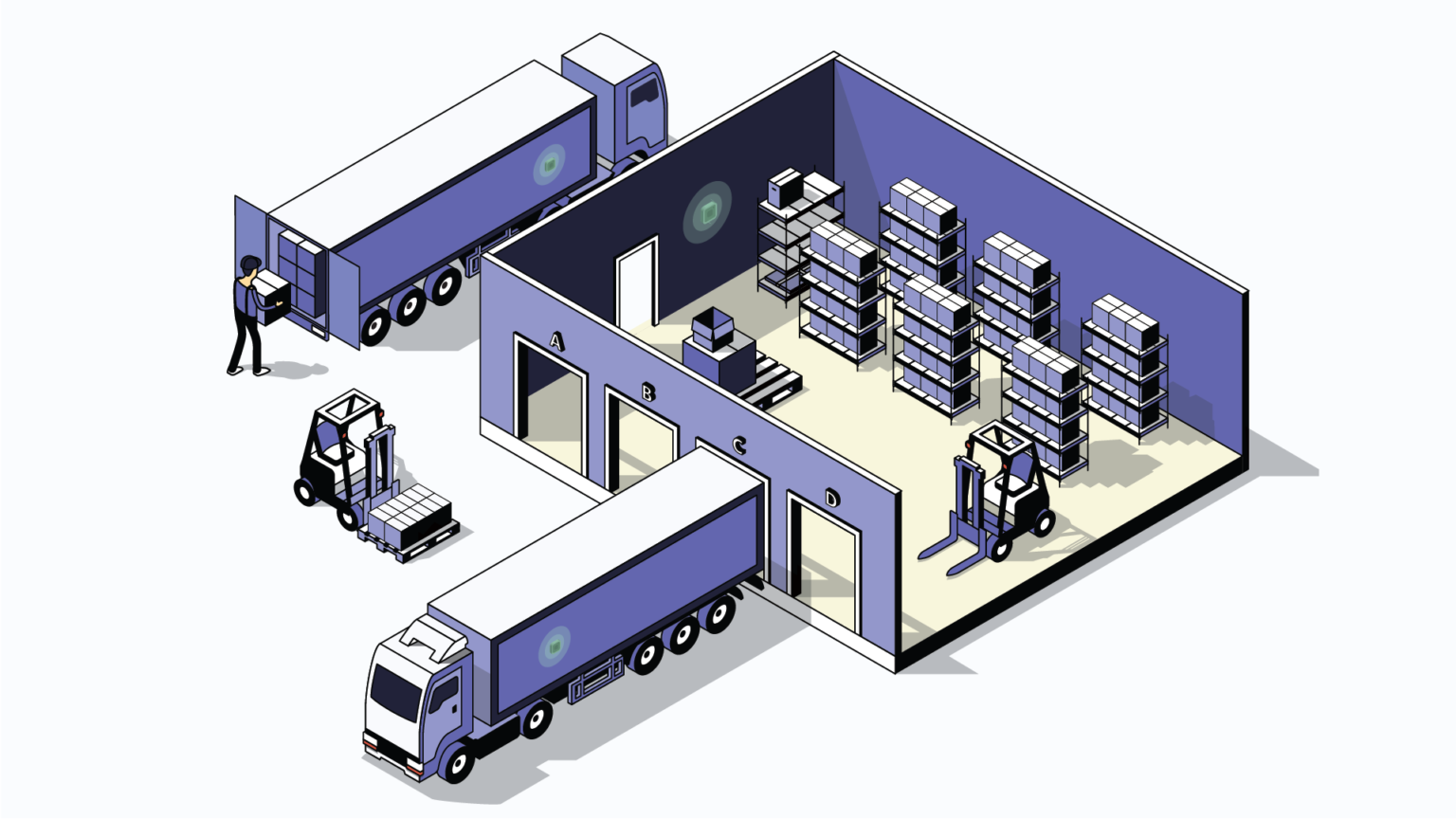
Here is some glimpse of the key reasons behind the delisting of apps from both App Store and Play Store, business impact done by delisting of apps, and how you can avoid delisting and protect your business.

Key Reason for Delisting of App

For iOS Apps

1. App Inactivity

One of the main reasons iOS apps get delisted is inactivity. Apple requires that apps be actively maintained to support new iOS features and meet current user expectations. If your app hasn’t been updated in a long time or doesn’t incorporate the latest iOS enhancements, Apple may remove it from the App Store.

2. Outdated Versions

Apple places a high priority on security and user safety. If your app fails to address known security vulnerabilities or doesn’t ensure compatibility with the latest iOS versions, it could be flagged for delisting. Apps that remain on outdated versions of iOS run the risk of being removed from the App Store.

3. Account Renewal

Your iOS Developer Account is crucial for maintaining your app’s availability on the App Store. If your developer account expires or isn’t renewed, your app could be suspended, leading to potential delisting.

For Android Apps

1. DUNS Number Verification

Google requires apps to have a verified payment profile, which includes a valid DUNS (Data Universal Numbering System) number. If your DUNS number isn’t verified or is missing, Google may suspend your app until the issue is addressed.

2. Latest Android Version Migration

Google frequently updates its Android operating system, and apps are required to comply with the latest version. For instance, apps must meet API level 34 or higher to ensure compatibility with the latest features and security protocols. Non-compliant apps may be flagged or removed.

3. Crash Frequency

Frequent crashes can lead to a poor user experience and potentially violate Google’s app quality standards. Apps that crash repeatedly or don’t handle errors properly are at risk of being flagged or delisted from the Play Store.

4. AdSense and Policy Compliance

Google has strict policies regarding the ads displayed within your app. Violations of Google’s advertising policies or breaches of Google’s Developer Program Policies can lead to serious consequences, including delisting your app.

Impact on Business from App Delisting

The potential removal or delisting of your app from the Apple App Store or Google Play Store extends far beyond being a technical issue; it is a critical business challenge with significant consequences. When an app is delisted, it doesn’t merely disappear from the store—it can disrupt revenue streams, diminish customer trust, and undermine your app’s market presence. Below, we delve into the various ways this can profoundly affect your business operations and overall success.

1. Loss of Visibility and Downloads

The most immediate consequence of delisting is the loss of visibility in the app store. With millions of apps available, your app’s presence in the store is critical for attracting new users. Without it, your potential customers may never find your app.

2. Revenue Loss

For many developers, apps are a primary source of revenue, whether through in-app purchases, subscriptions, or ad monetization. Delisting removes access to these revenue streams, directly affecting the financial health of your business.

3. Reputation Damage

Delisting from the app store can also harm your app’s reputation. Users may perceive a delisted app as unreliable or abandoned, potentially leading to negative reviews and a loss of trust in your brand.

4. Customer Attrition

If your app is delisted and you cannot offer it through official app stores, you risk losing your existing user base. Without the ability to easily update or manage your app through the store, user engagement can drop, and your app may become obsolete.

5. Increased Costs to Resolve Issues

The process of getting your app reinstated after delisting can be time-consuming and expensive. It may involve fixing compliance issues, updating outdated features, and re-submitting the app for review. In addition, your team may need to allocate resources to manage communication with Apple or Google’s support teams to resolve the situation.

What you can do to avoid delisting.

The risk of app delisting is a challenge, but it can be mitigated with proactive measures and continuous efforts to stay compliant with platform guidelines. Here’s an in-depth guide to safeguarding your app:

1. Regular Updates and Maintenance

Apps that are outdated or inactive are at risk of being delisted. Consistent updates demonstrate active maintenance, improving compatibility and performance.

  • Schedule regular updates to ensure compatibility with the latest iOS and Android versions.
  • Incorporate new OS features to enhance user experience (e.g., widgets, dark mode).
  • Address bugs and user feedback promptly to maintain app quality.

2. Monitor and Address App Performance

Apps with frequent crashes or performance issues may face removal due to poor user experiences

  • Use tools like Firebase Crashlytics or Sentry to track crash reports and app performance metrics.
  • Test your app thoroughly before every release to identify and fix potential issues.
  • Monitor app reviews and ratings to quickly spot and address performance complaints.

3. Stay Compliant with Policies

Apple and Google regularly update their guidelines, requiring apps to meet new security, privacy, and ad-related standards.

  • Review Apple’s and Google’s developer blogs for the latest policy updates.
  • Audit your app periodically to ensure it adheres to current guidelines.
  • Avoid policy violations by implementing transparent practices, particularly around ads and user data handling.

4. Verify and Renew Developer Accounts

An expired or unverified developer account can result in app suspension or delisting.

  • Ensure your developer account credentials are up-to-date, including payment profiles and contact information.
  • Verify your DUNS number (for Android) or any required credentials for your platform.
  • Set reminders for account renewal deadlines to avoid accidental laps.

5. Prioritize Security and Privacy

Apps that fail to protect user data or comply with privacy regulations are at risk of delisting.

  • Use encryption to secure sensitive data and prevent vulnerabilities.
  • Follow regional data privacy laws like GDPR, CCPA, and others relevant to your app’s audience.
  • Clearly communicate your app’s privacy policy, explaining how user data is collected and used.

Expert Consultation: Collaborate with IOTTIVE for Professional App Management Solutions

Managing the complexities of app compliance, updates, and maintenance can be overwhelming, especially when navigating ever-evolving platform policies. This is where a trusted partner like IOTTIVE can make a significant difference. IOTTIVE is a leading provider of mobile app development and management services.
By partnering with IOTTIVE, you gain access to a team of experts dedicated to the longevity and success of your app. Whether you need compliance audits, regular updates, or end-to-end app management, IOTTIVE ensures your app stays secure, compliant, and market-ready—saving you time, reducing risk, and letting you focus on growing your business.

Worried about app delisting? Let IOTTIVE help! Claim your FREE APP AUDIT today and discover how we can protect and enhance your app’s presence in the competitive app marketplace.


Claim Your Free Audit!

The Hidden Threat to IoT Success: How Mobile OS Limitations Impact Your Business and What You Can Do About It

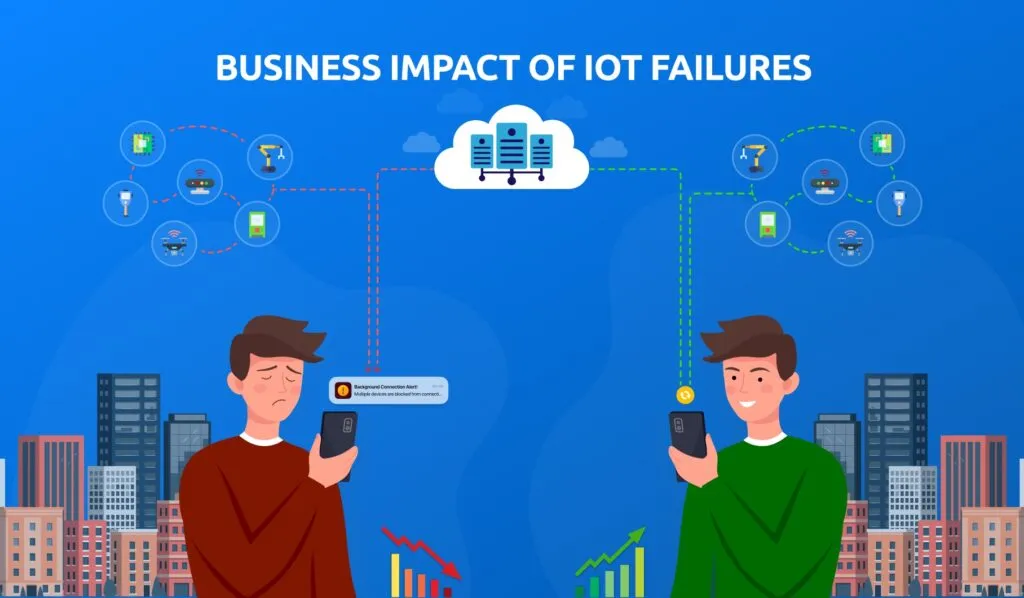
Business Impact of IoT Failures

In today’s digital world, mobile devices are central to how consumers and businesses interact with Internet of Things (IoT) devices. However, many IoT business use cases are directly impacted by how mobile operating systems, such as iOS and Android, manage apps when they are running in the background. These operating systems impose limits that can prevent apps from functioning effectively when not in the foreground. For IoT businesses, this can lead to disrupted services, unsatisfactory user experiences, and missed opportunities.

Key Business Use Cases Impacted by Background Limitations

There are several business-critical IoT use cases that struggle due to these operating system restrictions:

Real-Time Data Monitoring (Healthcare, Fitness, and Safety)

Many apps in sectors such as healthcare, fitness, and environmental monitoring rely on continuous data streams from IoT devices. For example, a health app might need to monitor heart rates or air quality sensors continuously. However, iOS and Android limit the amount of time apps can stay active in the background. This means the app can miss critical data if it’s not in the foreground, which can be problematic for industries that require real-time insights.

Automatic Device Reconnection (Smart Homes, Wearables, and Industrial IoT)

In smart homes or industrial settings, IoT devices (e.g., smart locks, wearable devices, or sensors) should automatically reconnect to a user’s smartphone when they come back into range. Unfortunately, these auto-connections are often hindered by mobile OS restrictions. Without constant connectivity, a smart lock may not open when expected, or a wearable might fail to sync properly.Many apps in sectors such as healthcare, fitness, and environmental monitoring rely on continuous data streams from IoT devices. For example, a health app might need to monitor heart rates or air quality sensors continuously. However, iOS and Android limit the amount of time apps can stay active in the background. This means the app can miss critical data if it’s not in the foreground, which can be problematic for industries that require real-time insights.

Proximity-Based Services (Retail, Access Control)

Retailers often want to provide customers with special offers or location-based services when they’re near the store, and security systems rely on proximity to trigger actions like unlocking doors. However, background limitations restrict an app’s ability to scan for these proximity events, resulting in lost opportunities for retailers and inconveniences for security systems.

Low-Power IoT Devices (Asset Tracking, Logistics)

Many IoT devices are designed to conserve battery power by staying in low-power modes when not actively in use. Mobile apps need to wake up these devices when required, but background limitations prevent apps from staying in constant communication, disrupting processes like asset tracking or environmental monitoring.

How We Overcome These Limitations with Alternative Solutions

Despite the challenges posed by these operating system limitations, we have successfully developed alternative approaches to ensure IoT solutions remain reliable and functional. Below are some of the strategies we use to help our clients deliver IoT solutions that work within the confines of mobile operating system restrictions:

Intelligent Device Reconnection Strategies

To address issues with auto-reconnections in smart homes or wearables, we’ve developed intelligent reconnection strategies that can work within operating system constraints. For example, on iOS, we use specific Bluetooth features that allow the app to “restore” its connection with a device once the phone is back in range. This makes sure that users don’t notice any disruptions in their smart home or wearable devices.

Using Notifications and Background Modes

One way to keep users informed and maintain app functionality is by utilizing push notifications to wake the app when important events occur. For example, in healthcare or fitness, the app can notify the user when there’s critical data, such as an abnormal heart rate or a sensor alarm. Additionally, both iOS and Android offer special background modes for apps using Bluetooth or location services, which we leverage to maintain necessary connections for our clients’ IoT products.

Cloud-Based Offloading

Cloud Based Solution

For IoT devices that need constant monitoring or interaction, we’ve found that offloading some tasks to the cloud can reduce the need for the mobile app to always run in the background. For example, in industrial IoT applications, the cloud can handle the continuous communication with devices, while the mobile app only interacts with the cloud when the user needs an update or alert.

Conclusion

Mobile operating system limitations are a reality that can significantly impact IoT business use cases. However, with the right strategies, these challenges can be overcome. At IOTTIVE, we have developed solutions that allow businesses to continue offering seamless IoT experiences despite these restrictions. By utilizing push notifications, intelligent reconnection strategies, cloud services, NFC, and other techniques, we ensure that our clients’ IoT applications work efficiently and reliably, providing the performance they need to succeed in today’s competitive landscape.

Future of iBeacons in 2021 and beyond


What, Exactly, Is a Beacon?

Apple iBeacons were the first to hit the market in 2014, closely followed by Google’s Eddystone beacons in 2015, and is now expected to surpass $25 billion by 2024. Beacons are small, wireless transmitters that use low-energy Bluetooth technology to send signals to other smart devices nearby. Simply put, devices utilizing this technology are able to connect and transmit location-based information quickly and accurately.

Unlike GPS-based systems that work only outdoors with a clear view of the sky, beacons work indoors or outdoors. Hazardous areas such as confined spaces, by their very nature, preclude access to a clear open sky, making GPS-based systems ineffective.

Five latest beacon technology updates to watch out for in 2021

1. Beacons for contact tracing to track and curb the spread of COVID-19

Google and Apple, two technology giants, announced a COVID-19 contact tracing framework that uses Bluetooth to help governments and health officials reduce the virus’s spread.

The contact tracing application is rather an Exposure Notification programming interface (API) that apps can interact with. Google and Apple harness the power of Bluetooth to aid in exposure notifications of the virus.

How does it work?

A smartphone running an app that uses the Exposure Notification API will periodically use Bluetooth to ping other phones with a random beacon. The beacon changes regularly to enhance security while the phone stores the list of beacons that it connects with nearby.

When each phone receives another beacon, it will record and securely store that beacon on the device.

The system downloads a list of keys for the beacon verified by people who tested positive for COVID-19 at least once a day. Each device will then check against the list of beacons already recorded from its server. If there is a match between the beacons stored and the positive diagnosis list, the user will be notified and advised on the beacons’ list next steps.

Beacons, with the help of Bluetooth technology, can be used extensively by governments and health officials to track users to curb the spread of the virus. The system does not extensively rely on smartphones, but with the beacon system that helps review an individual’s location history and if they have come in contact with an infected person.

Contact tracing with the aid of beacons works only with a corresponding app to track and curb the spread of the virus.

2. Wearable bracelets to track social distancing at workplaces


As several businesses plan to resume on-site operations, many plans to equip their employees with new, anti-pandemic gear – wearable tech that could prevent the virus.

Several companies are rolling out wearable bracelets that help with social distancing and tracking the virus with the help of BLE beacon.

The idea behind beacon-based wearable technology is to help employers maintain a pulse on any possible transmission among their workforces and provide them with the ability to curtail any spread before it becomes an outsized risk.

How does it work?

The bracelets’ hardware includes passive GPS location tracking and proximity sensors powered by Bluetooth and ultra-wide-band radio connectivity, a rechargeable battery, and built-in LTE.

When a user updates their status to indicate possible infection, the bracelet notifies others they have been in contact with based on proximity and location-data history. This information is also stored in a health dashboard that provides detailed logs of possible contacts for centralized management.

Facedrive Health rolled out BLE Connect App on Google Play Store and Apple Store to pair with their existing TraceSCAN wearable technology to contain the virus’s spread.

The data is stored locally on the TraceSCAN device and is only uploaded via the app if the user tests positive for COVID-19. It then enables administrators to notify recent close contacts of the users and to take necessary action to contain the spread of the virus.

“We believe that the BLE Connect will be a great addition to TraceSCAN’s COVID-19 Contact Tracing Solutions, allowing business owners and their employees to take every precaution necessary to protect them and their loved ones while returning to the workplace,” said Facedrive Chairman and CEO Sayan Navaratnam.

3. Easy tracking of items

It is not too uncommon to lose things like keys, socks, or even identify parked cars in a parking lot.

Beacons can help users identify any lost item as long as the device, and the missing item is well within the beacon range. When a beacon is attached to any object, smartphones having BLE capability within the proximity range sense the lost item when the app is running in the background.

An Israeli start-up, Wiliot, has developed a Bluetooth aided beacon app to help retrieve lost socks in the washer. Its main product is a postage-stamp-sized Bluetooth beacon that can be attached anywhere – on clothing, medicine bottles, appliances, and even on wallpapers.

The beacon transmits the item’s location, and when coupled with sensor pads, identifies its temperature and weight to alert the user of the lost item.

4. Remote ordering at restaurants

According to GlobalData’s COVID-19 tracker consumer survey in the UK, 83% of consumers admitted that services that made them feel trustworthy influenced their purchase decisions.

As restaurants and pubs begin to gear up the safe reopening, technologies such as QR Codes and beacons are being implemented for secure ordering to curb the virus’s spread.

OrderPay, a mobile ordering app, partnered with several popular chains in the UK to help them meet their social distancing requirements.

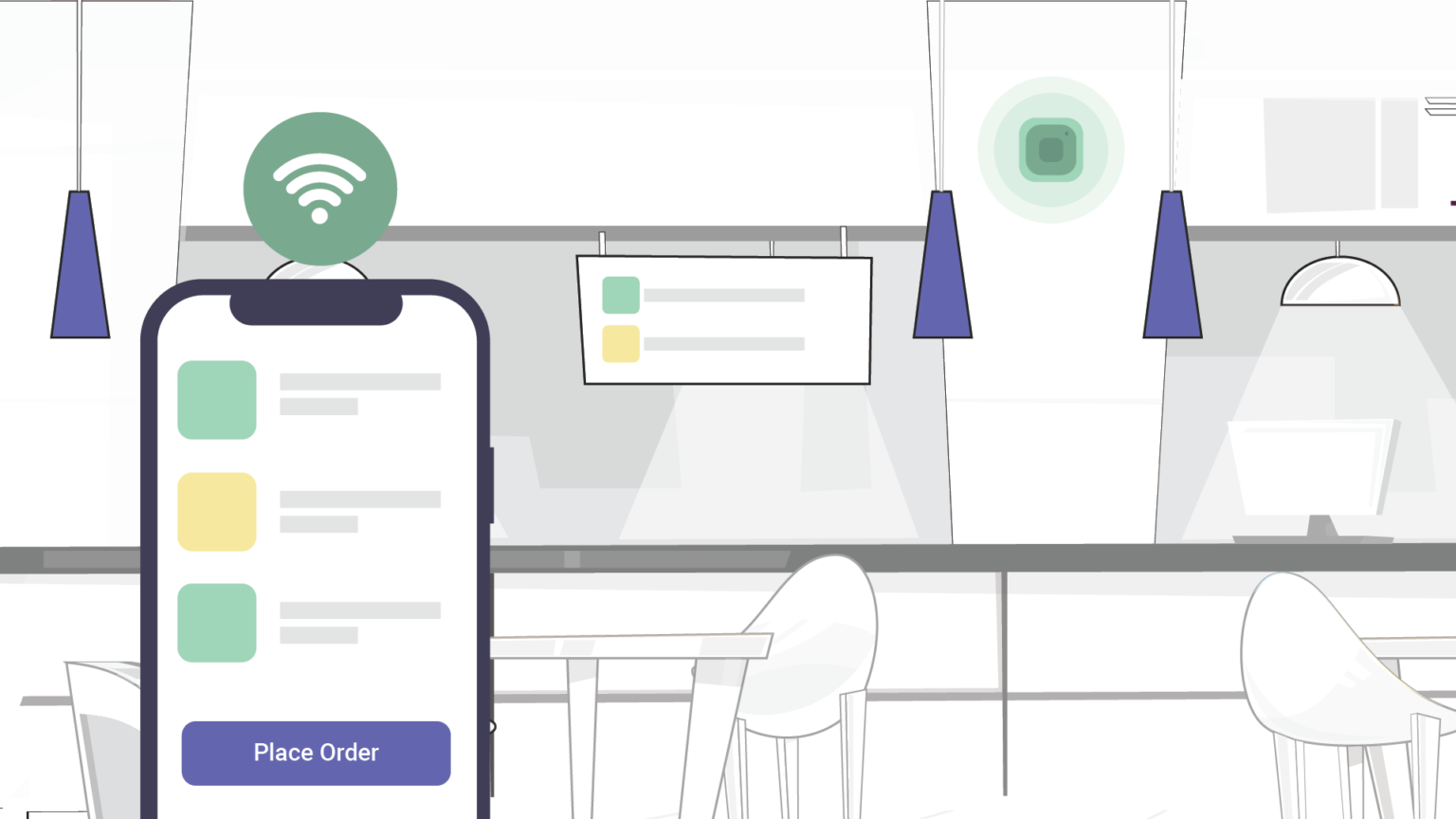
The order and payment platform uses ‘tap and go’ technology so customers can serve themselves to reduce contact with staff and avoid long queue lines. At the same time, it utilizes beacon technology that helps servers identify the guests in their restaurant to facilitate easy table service.

Beacons can help restaurants and diners establish a safe and hygienic environment for their diners by identifying their customers without going through the entire space and equipping a no-contact ordering system with the help of QR Codes.

5. Enhanced asset and inventory management

Apptricity, a company that provides asset and inventory tracking management, has developed a Bluetooth beacon that can transmit signals over 32 kilometers (20 miles).

Asset and inventory management typically uses labor-intensive technology such as barcodes or passive RFID scanning, which are limited both by distance and the fact that a person scans the code directly, resulting in human error.

Bluetooth beacons can pinpoint an item’s location and send updates about a piece of equipment that needs maintenance and even a routine check-up.

The latest Bluetooth beacons are precise and help companies track their asset and inventory without any hiccups.

Bluetooth Low Energy for next generation products


BLE

Bluetooth’s power-hungry nature has made it impractical for many types of wireless devices in the past. Bluetooth Low Energy is changing this, enabling new types of devices that can operate for months or years with small batteries.

For example, you’ll be able to put a cheap, small device on your keychain so you can track the location of your keys from your phone. The device’s battery will last an entire year without any recharging necessary.

Bluetooth 4.0 offers several different types of standards: classic, low-energy (LE), or both. Bluetooth Low Energy doesn’t actually lower power consumption for all types of devices — for example, wireless stereo headsets likely won’t consume any less power with Bluetooth Low Energy than they would if they used classic Bluetooth. The headset needs to send and receive a lot of audio data while you’re using it; its Bluetooth radio doesn’t have any time to turn off or enter low-power mode.

Bluetooth LE simply enables new types of devices that the original Bluetooth was ill-suited for. Devices that don’t need to send data constantly or that only need to send tiny bits of data can operate with very low power consumption.

Apple seems to be betting that Bluetooth LE will eliminate the need for NFC, providing a wireless interface that can do everything NFC can and more. They might be right, as Bluetooth LE can be used for many of the same things, offers additional wireless range, and eliminates the need for separate NFC hardware in smartphones.

Here’s another example: You could leave a smart tag in your car when you park in the parking lot. The app you use to interface with the smart tags can keep track of the last location it saw your tags at, so it can guide you back to the smart tag you left in your car.

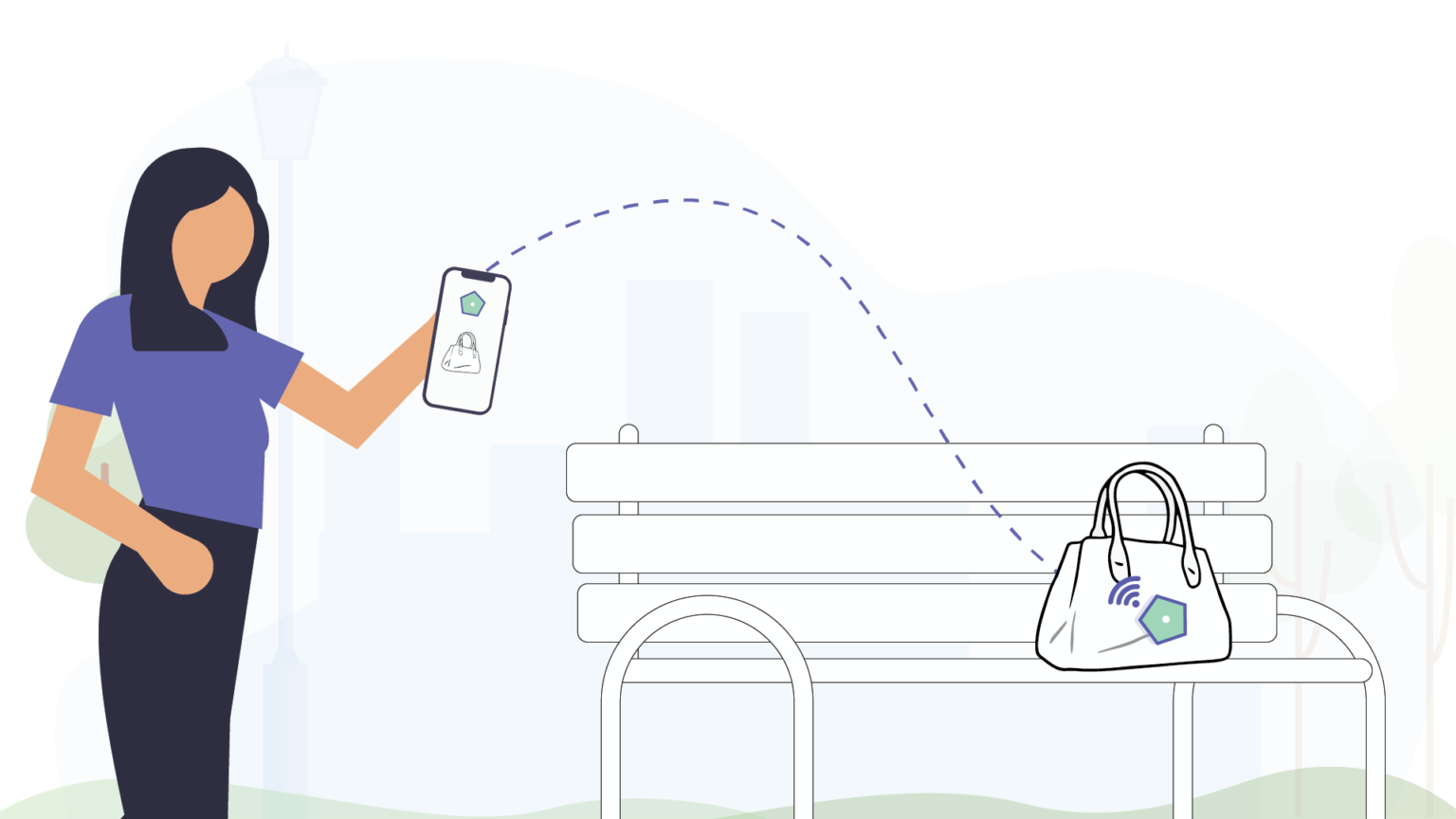
You could attach smart tags to other objects, too. For example, you might want to put one in your laptop bag or your purse. You could configure an app to play an alarm if the object starts getting too far from you, giving you an alert if you leave something behind or someone is stealing it.

Bluetooth LE can also be useful for a variety of medical and fitness devices. For example, a blood glucose or pressure monitor could report its status over Bluetooth LE without using much power. Fitness-monitoring sensors could report heart rate, cycling rotations, running speed, and other data wirelessly. Sure, this was possible without Bluetooth LE, but now it will actually be practical — such sensors could be cheap and last months or years without any recharging necessary.

A typical digital watch could even incorporate Bluetooth LE to communicate with a smartphone, displaying simple notifications for incoming calls, SMS, and emails while maintaining a year or more of battery life. Smartwatches with higher-powered screens and more functions would continue to only last a few days, of course.